TE_K — Modular Wireless Robotics Kit
Tools & Software
CAD
3D Printing
Wireless Comms
Micro-controllers
Problem
Learning mechatronics today means a trade-off. Arduino is powerful but fully wired, with bare breadboards that intimidate beginners. Raspberry Pi is programmable but not tactile. LEGO Technic is buildable but has no real sensing or live control. Micro:bit is approachable but too limited in I/O to scale to a full system. I'm building TE_K to close that gap: snap-together cubes with real sensing, actuation, and wireless communication built in, so a learner can build a physical robot and write real code against it without ever touching a wire.
Process
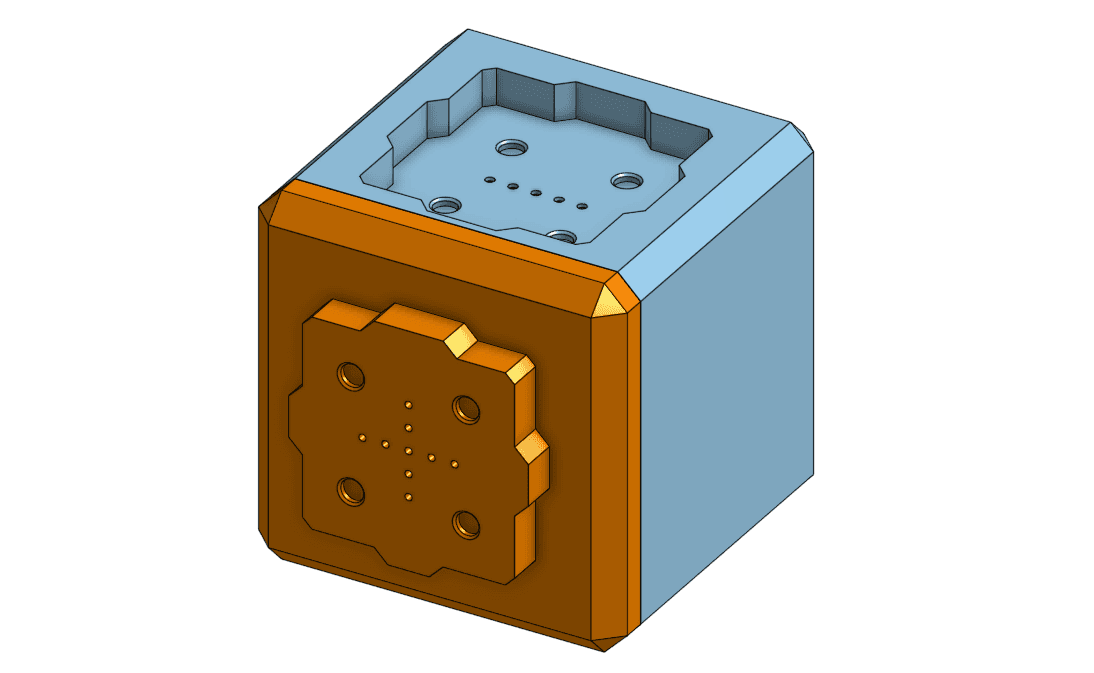
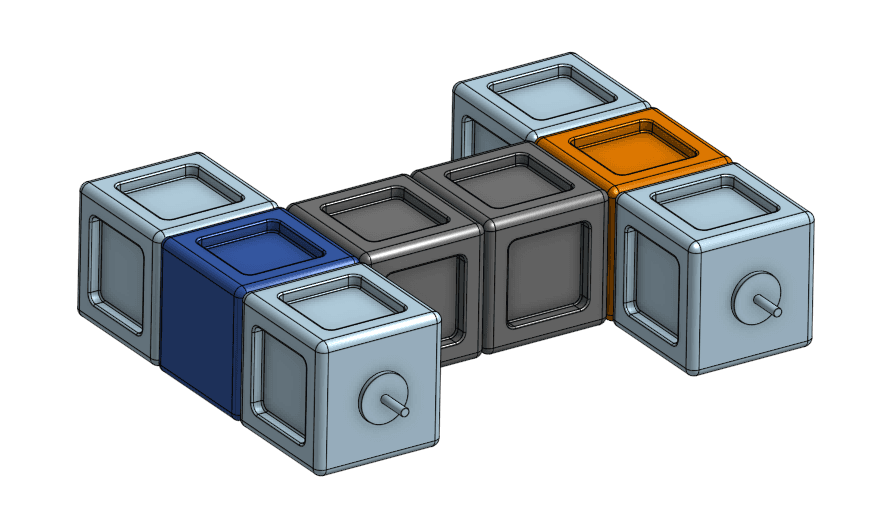
Each cube shares power and data through a single magnetic connector, so a controller cube and any number of sensor, actuator, structure, or panel cubes snap together with no separate wiring. I've been developing the physical form in OnShape, iterating through several cube designs and 3D printing them to test fit, dimensions, and how well the magnetic connectors lock together. In parallel, I designed the wireless communication protocol and built the first working version: the controller creates its own WiFi network, and nodes join it directly. The current milestone is a full command and response handshake, sending a command, acknowledging it, executing it, returning a result, and acknowledging receipt, with retries built in so a failed exchange can be repeated without a node accidentally executing the same command twice. I tested this against real hardware rather than in simulation, including deliberately cutting power to a node mid-run and dropping acknowledgment packets, to confirm the system recovers instead of just working in the easy case.
Outcome
The wireless foundation is proven: a controller can reliably command multiple independently-powered nodes, get results back, and recover from dropped nodes or lost packets without the user-facing code needing to know any of that is happening. Development is ongoing, with real sensor integration, powering nodes through the controller rather than individually, and a simple function-call layer for learners' code as the next steps.